Missing endings
Complete the ending gallery
Start broad when several slots are still empty. Compare route groups, save points, and the next ending worth targeting.
Open All Endings
The False Sun
Launching The False Sun
Preparing the browser build...
Unofficial player guide
The False Sun wiki helps you choose the right guide without opening every spoiler-heavy ending route. Start with the problem you actually have: missing endings, a route branch, a hidden stat, a mini-game, a save problem, a platform issue, or a safety question.
The False Sun wiki quick answer
To play, click Play Now in the game window, wait for the Ren'Py loader, then click through the in-game warning and menu. Use All Endings, Silas, or Kyle when you need route help.
Choose your next guide
Open the page that matches the current blocker. You do not need to read the whole wiki before continuing your run.
Missing endings
Start broad when several slots are still empty. Compare route groups, save points, and the next ending worth targeting.
Open All EndingsEnding 20 / Cast
Use the dedicated Ending 20 research page instead of replaying every route or trusting one unverified rumor.
Read Ending 20 ResearchSilas route
Check farm work, stats, swimming, puzzle choices, and late dialogue before restarting the whole game.
Open Silas RouteKyle route
Review friendly choices, river decisions, and Kyle-connected endings from the earliest relevant branch.
Open Kyle RouteHidden stats
Use the stats guide when agility, bravery, convincing, or another hidden condition may be blocking the result.
Check Hidden StatsGame will not open
Skip story spoilers and use the matching Mac, Android, or download guide before changing route choices.
Open Download Help20-ending completion
If many slots are still empty, start with the completion hub. If only Cast is missing, go straight to Ending 20 research. Keep reusable saves before major branches instead of overwriting the same slot.
Decide what this run is trying to unlock before changing early choices.
A late guess cannot always repair an incompatible route or stat profile.
High- and low-stat routes often need separate attempts.
When an ending misses, compare the run from the earliest relevant requirement.
Video companion
Watch a playthrough companion after choosing a guide. Use the video to recognize scenes, then keep the written checklist open for choices, save points, and spoiler control.
Open the written walkthroughRoute overview
After one ending, use the route overview to decide whether the next run needs different stats, mini-game results, skipped tasks, or an earlier save.
Most known endings connect to Silas and can depend on farm work, bravery, hidden stats, mini-games, and late dialogue.
Focused routeKyle has fewer known outcomes, but early friendly choices and river decisions matter for Kyle-connected paths.
Cross-routeSome outcomes cross route lines. Use the specific ending guide when both Kyle and Silas conditions appear to matter.
Needs testingEnding 20 stays separate because public route claims can conflict. Read the current research before spending another full run.
Before you follow a route
Visual novel branches can depend on early choices that feel harmless at the time, so guessing near the ending is less reliable than planning from the first relevant save. If a guide marks a requirement as uncertain, treat that warning as part of the instruction.
Common mistakes
A route that needs low agility may already be lost after too much farm work, and a Kyle-connected path may not be recoverable after ignoring Kyle early. A clean save is often safer than a final-scene guess.
Before you continue
Use the content warnings page when you need more detail before continuing. Route help should never require you to push through a scene that feels unsafe or uncomfortable.
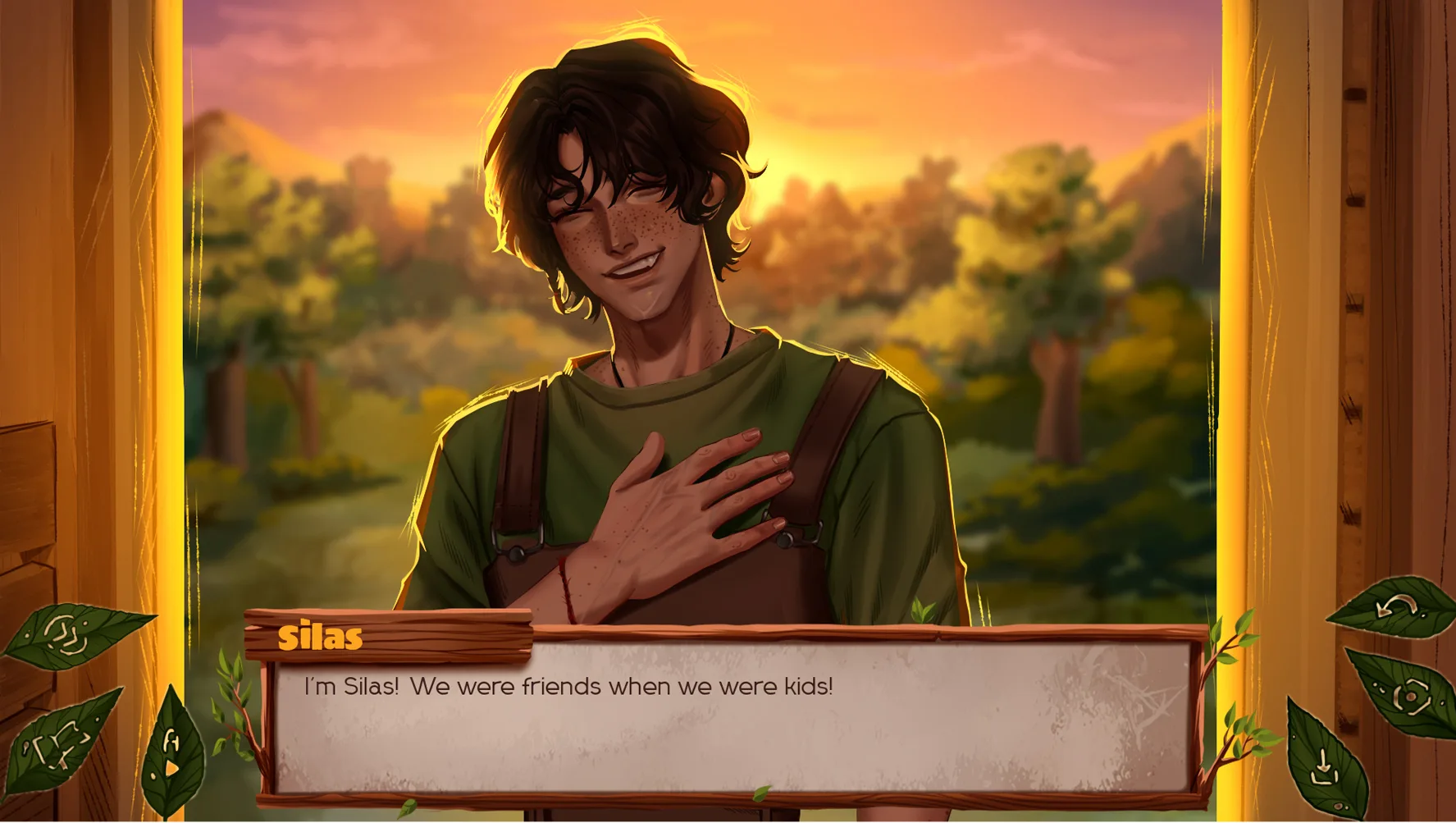
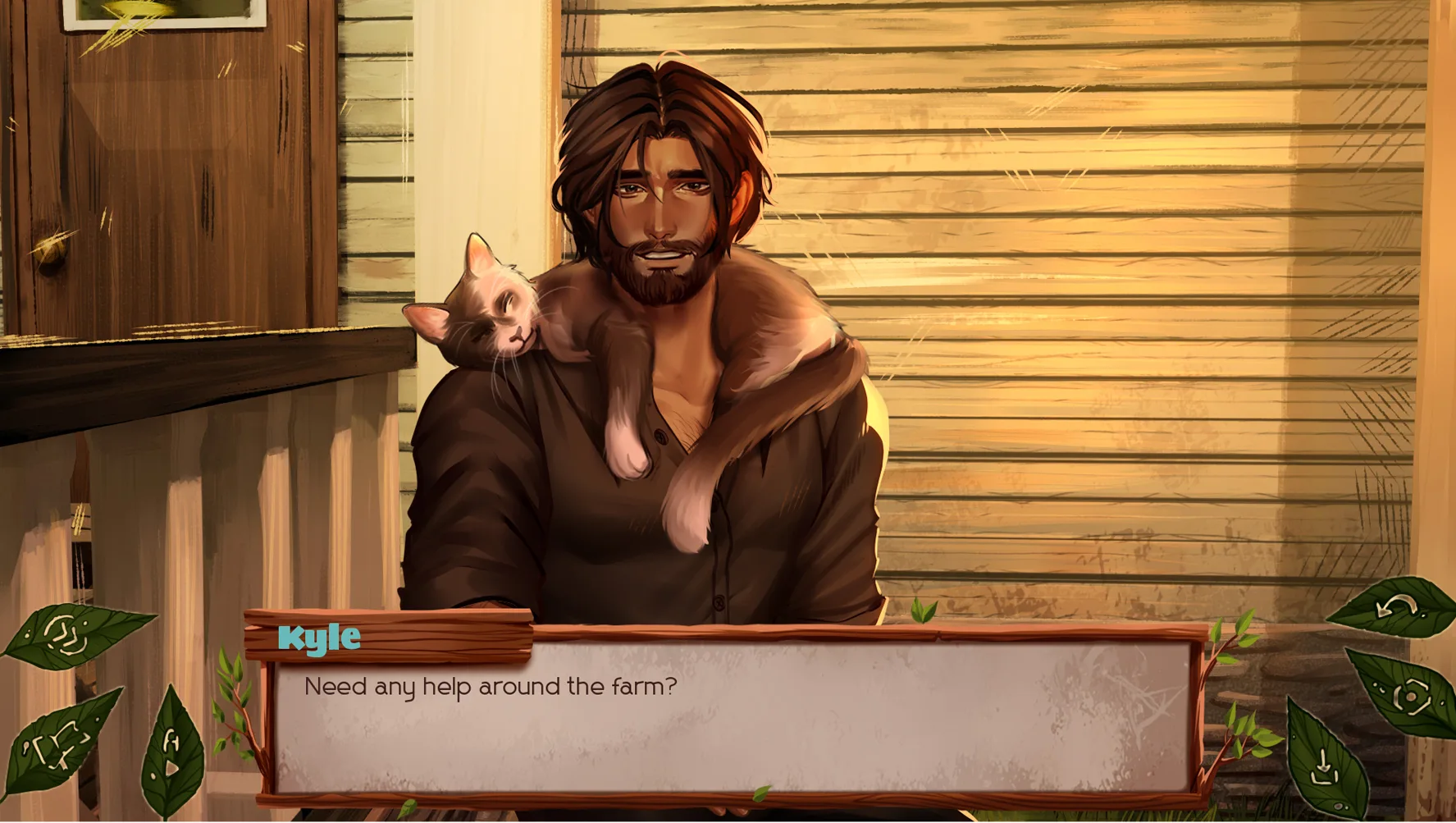
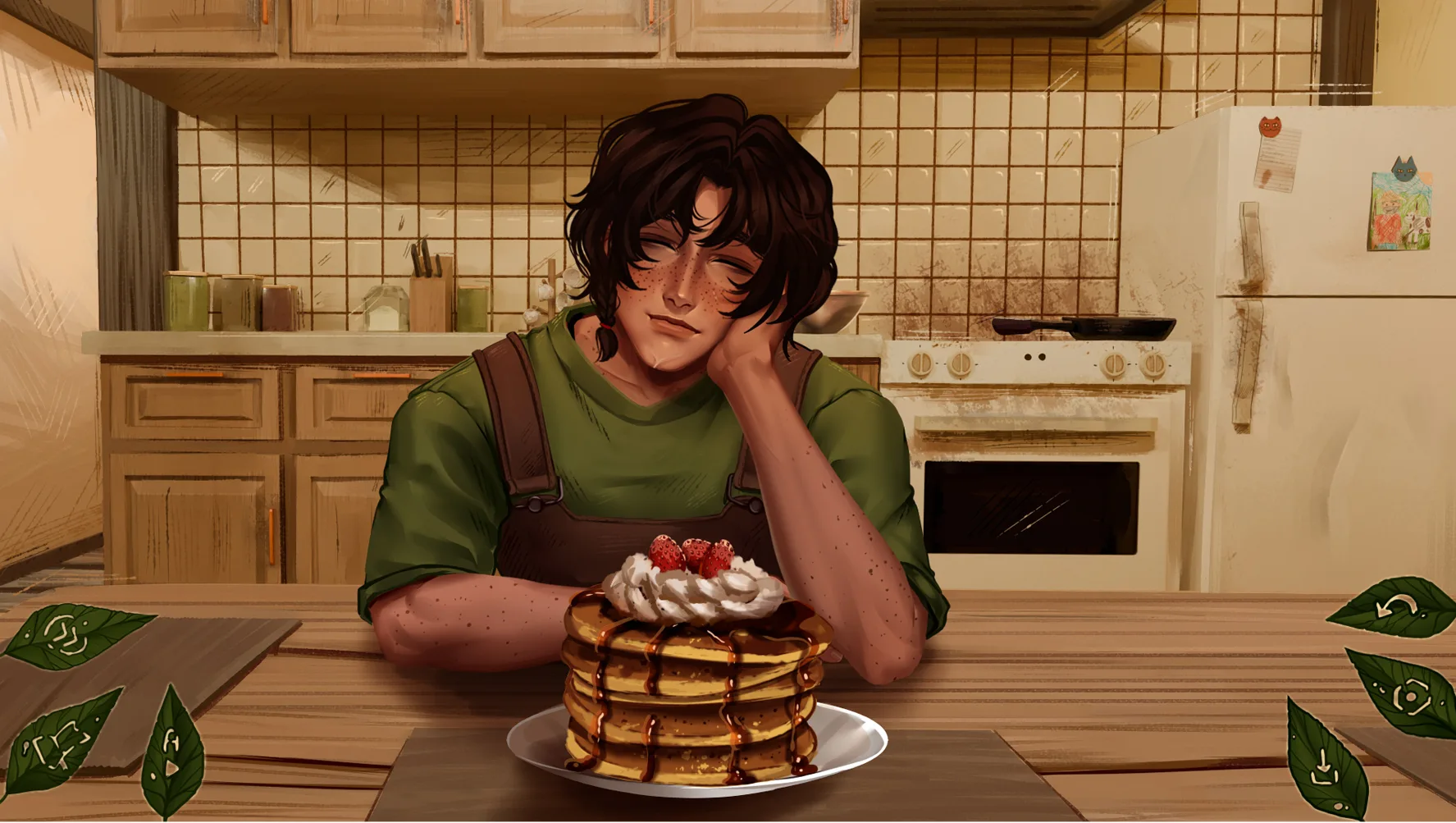
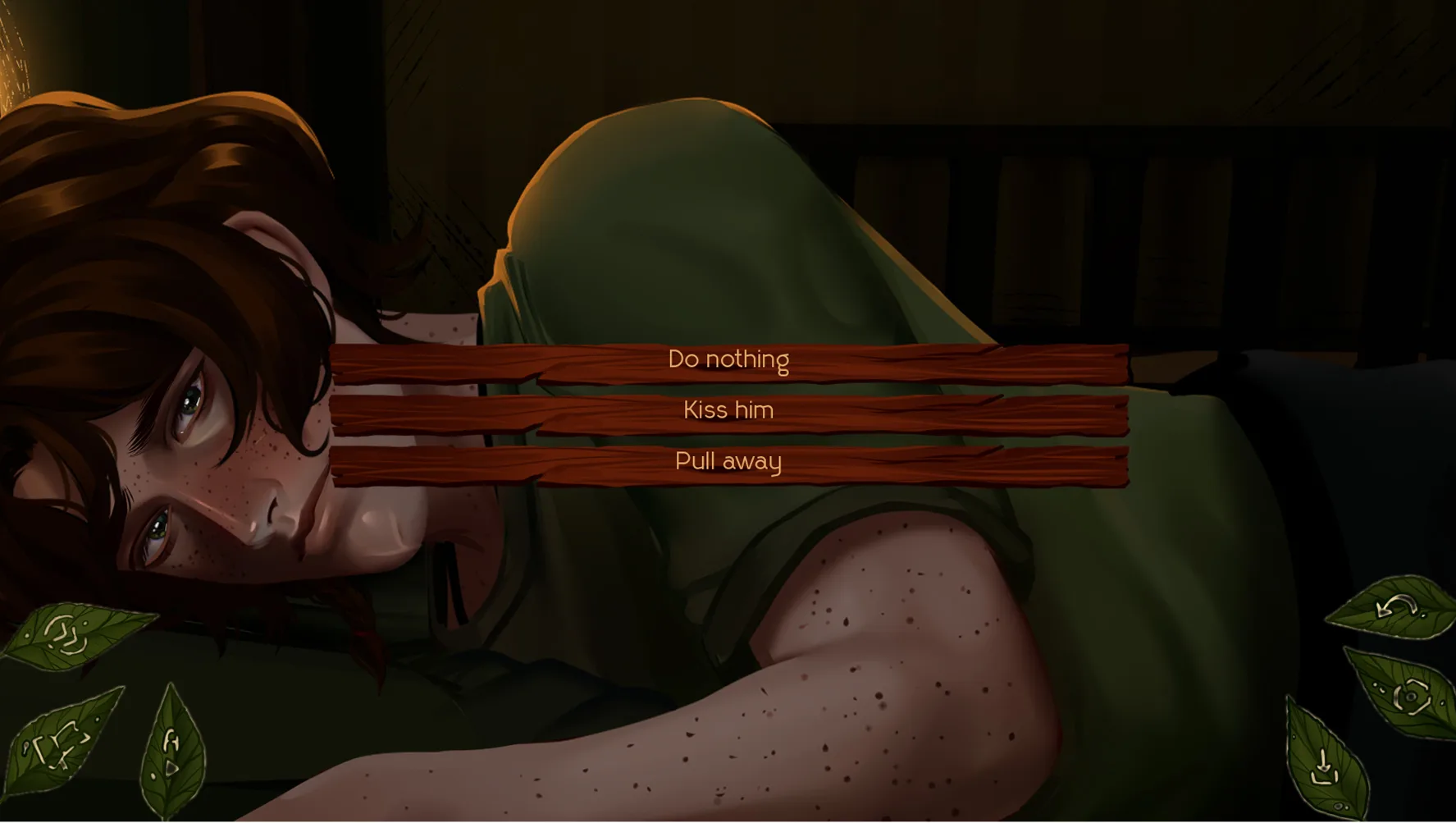
In-game scenes
Use these images for scene recognition when a walkthrough or route guide refers to a moment you have already reached.

Next reading path
Start broad, then move to a specific ending or route only when you know what is blocking you.
Sort Silas-focused, Kyle, mixed, and uncertain ending routes before choosing the next run.
Use gallery order, route groups, save points, and completion planning when several endings are missing.
Check the current Cast status, failed tests, and safer testing notes.
Work through farm tasks, stats, swimming, the puzzle, and late branch choices.
Related guides
Move sideways when a route becomes a stat, ending, save, or platform problem.
FAQ
What does The False Sun wiki help with?
The False Sun wiki helps with endings, route choices, hidden stats, mini-games, save points, platform problems, and spoiler-aware walkthrough decisions.
Where should I start on The False Sun wiki?
Start with All Endings for gallery completion, Ending 20 for Cast research, Silas or Kyle for route choices, and the download pages for install problems.
Does The False Sun wiki contain spoilers?
The homepage keeps route advice broad, but exact ending and route pages can contain spoilers. Open only the guide that matches your current goal.
Can I play The False Sun online here?
Yes. Use the browser player at the top of this page and press Play now. The game is loaded only after you ask for it.
What should I do if the browser player shows a black screen?
Reload once, check aggressive content blockers, and use the open-in-new-tab button in the player toolbar when an embedded frame is blocked.
Is this The False Sun page official?
No. This is an unofficial fan-made wiki and browser-play hub. It is not presented as the official developer or publisher website.
Route confidence note
Some route requirements are stable and repeatable; others are based on player testing or conflicting community reports. When a guide marks a condition as uncertain, test it from a clean save instead of treating it as guaranteed.